Create new project
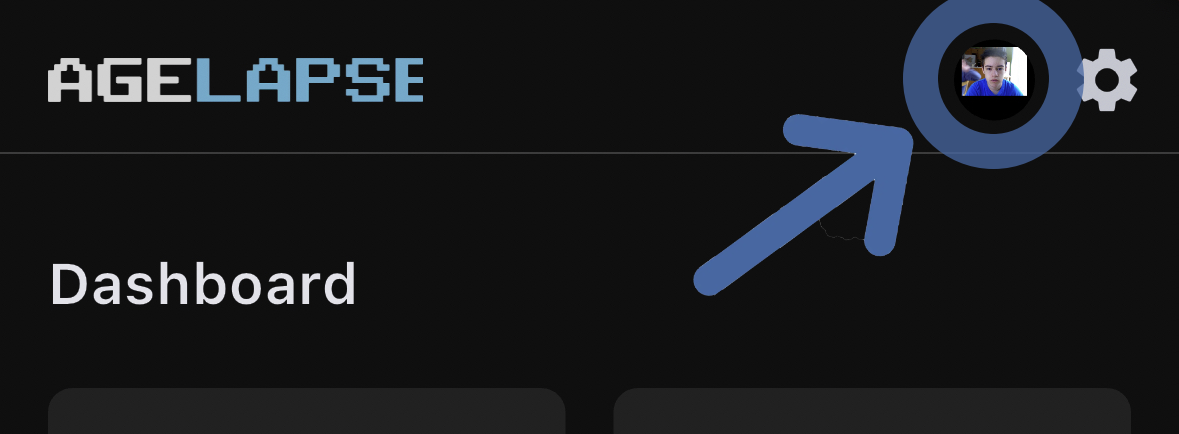
1Open the projects menu
Tap your project icon to open the projects menu.
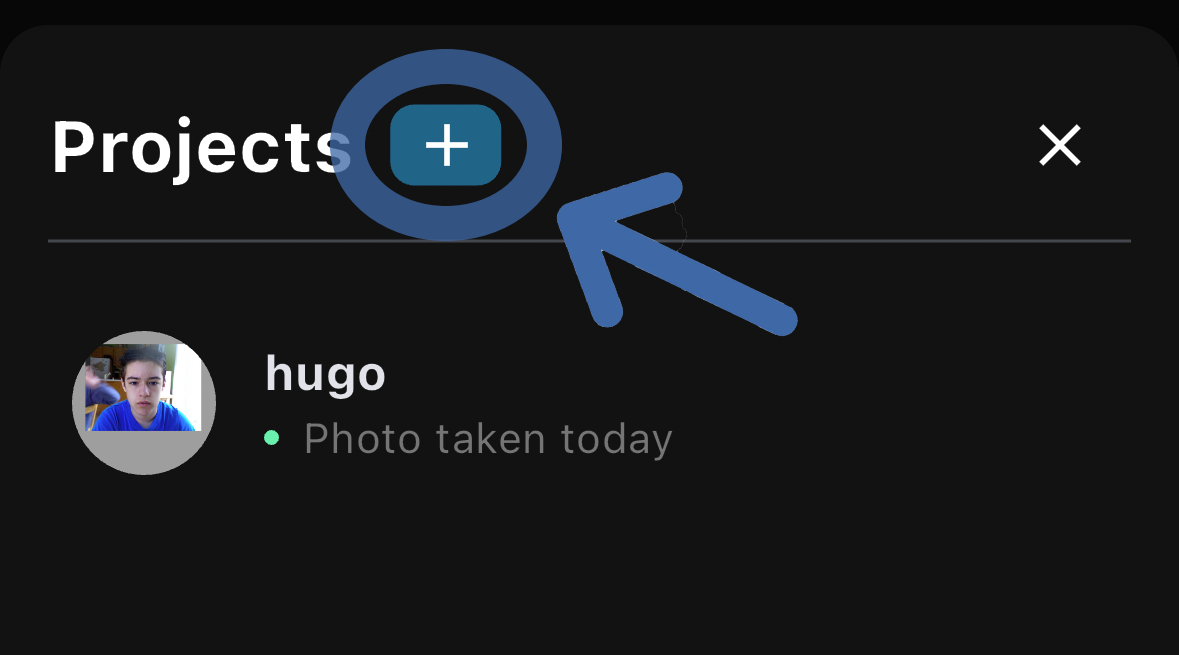
2Create a new project
Tap the + icon to create a new project.
3Choose pose and name
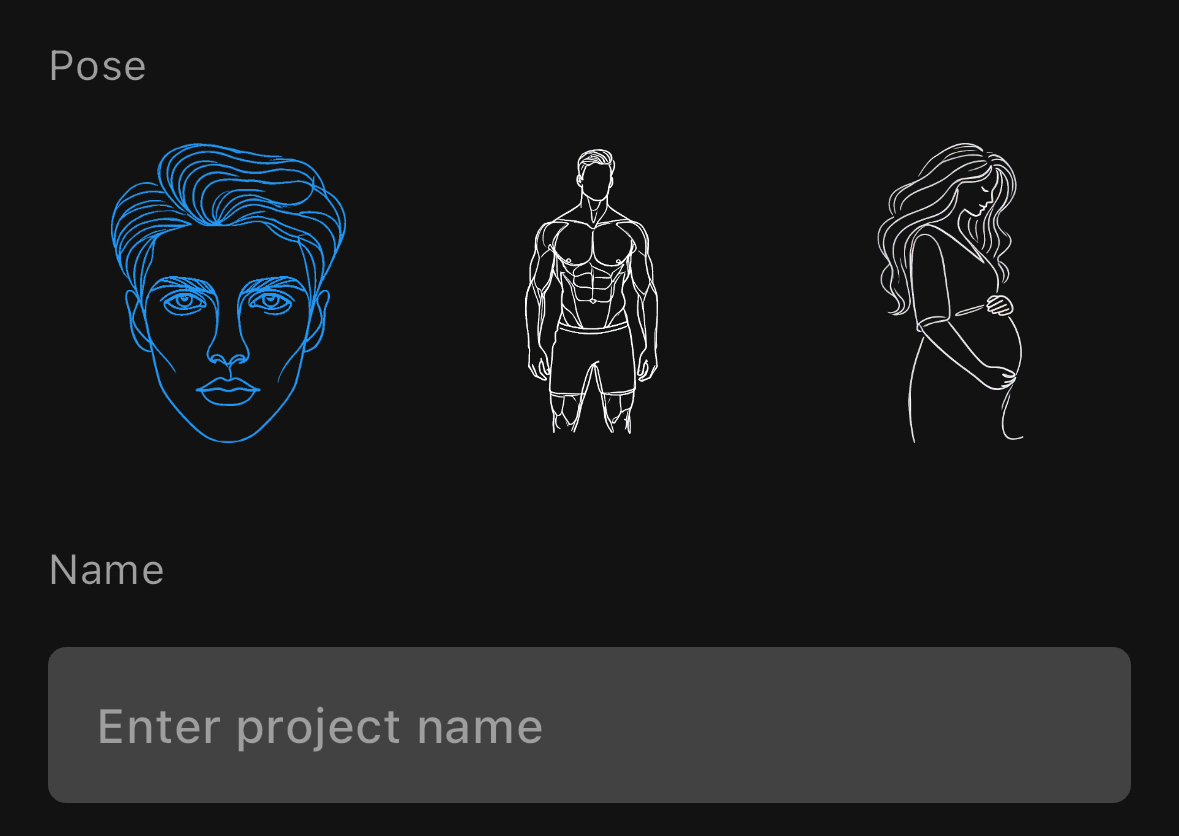
Select your project type, enter a name, then hit Create.
- Face — For aging/selfie timelapses. Uses eye detection for alignment.
- Pregnancy — For bump progression photos. Uses body pose detection.
- Body/Muscle — For fitness transformation photos. Uses body pose detection.
info
Learn more about project types and settings in the Projects guide.